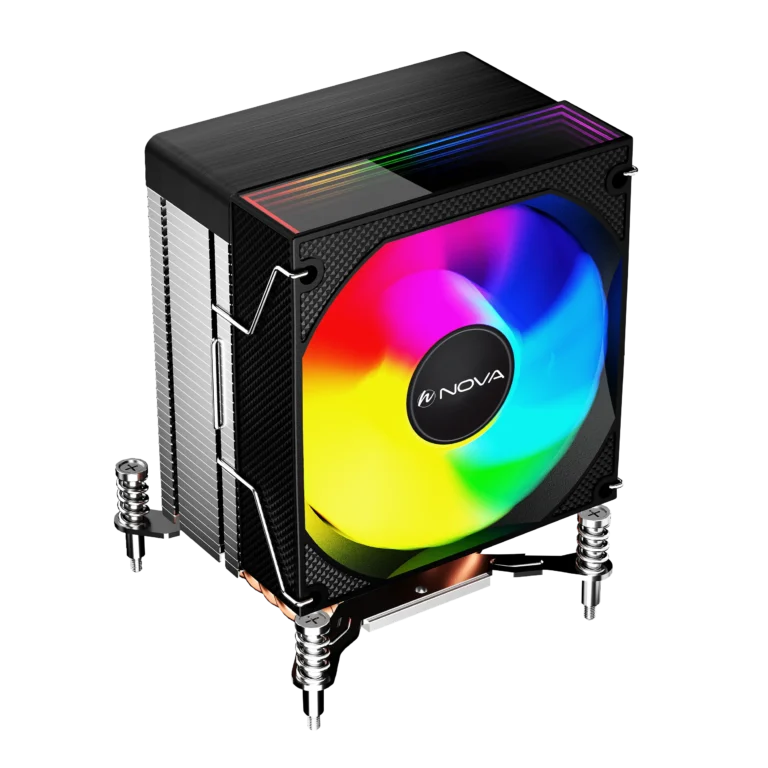
خنک کننده پردازنده چیست؟
پردازنده یا CPU یکی از مهمترین قطعات هر سیستم کامپیوتری است و عملکرد پایدار آن به یک سیستم خنک کننده مناسب وابسته است. زمانی که پردازنده تحت فشار قرار میگیرد، دمای آن به سرعت افزایش پیدا میکند و اگر خنک سازی به درستی انجام نشود، افت عملکرد، کاهش طول عمر قطعات و حتی خاموش شدن سیستم اتفاق میافتد. به همین دلیل انتخاب یک خنک کننده مناسب، چه برای سیستمهای گیمینگ و چه برای استفاده روزمره، اهمیت بسیار زیادی دارد.
امروزه کاربران برای خنک کردن پردازنده از دو نوع اصلی استفاده میکنند؛ خنک کننده بادی و یا خنک کننده مایع (واترکولینگ). هر کدام از این محصولات مزایا و کاربردهای خاص خود را دارند و بسته به نوع سیستم، بودجه و میزان استفاده میتوان بهترین گزینه را انتخاب کرد. اگر قصد خرید کولر CPU را دارید، آشنایی با تفاوتها و ویژگیهای این محصولات به شما کمک میکند انتخاب بهتری داشته باشید.
در کنار کیفیت ساخت پردازنده و کارت گرافیک، وجود یک سیستم خنک کننده مناسب نقش مهمی در حفظ دمای استاندارد دارد؛ مخصوصاً در سیستمهای گیمینگ، رندرینگ و اورکلاک. استفاده از یک خنک کننده قوی باعث افزایش پایداری و عملکرد بهتر سیستم میشود. بسیاری از کاربران حرفهای برای کنترل بهتر دما از واتر کولینگ یا مدلهای پیشرفتهتر استفاده میکنند تا در پردازشهای سنگین با افت عملکرد مواجه نشوند.
انواع خنک کننده پردازنده
سیستمهای خنک کننده در مدلها و طراحیهای مختلفی تولید میشوند اما به طور کلی به دو دسته اصلی تقسیم میشوند: خنک کننده بادی و خنک کننده مایع. هر کدام از این مدلها با استفاده از فناوری متفاوتی گرمای CPU را دفع میکنند.
خنک کننده بادی (Air Cooler)
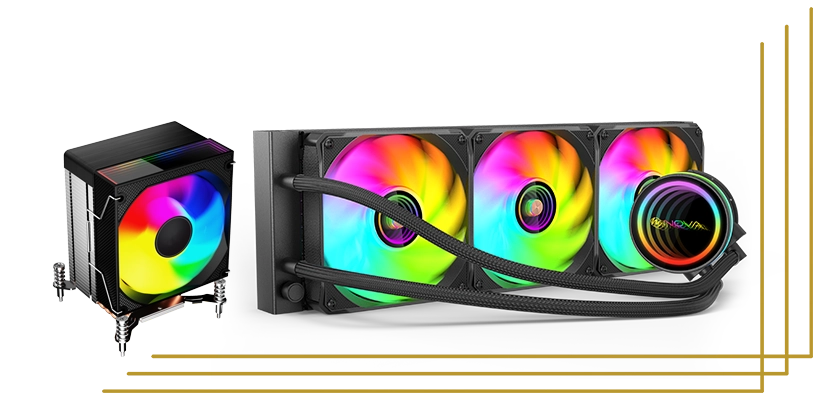
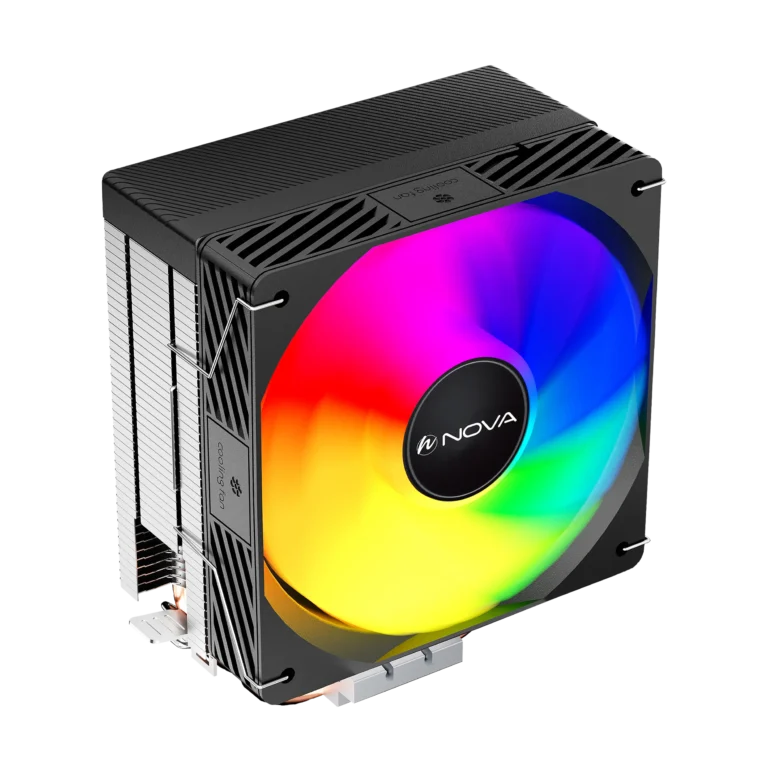
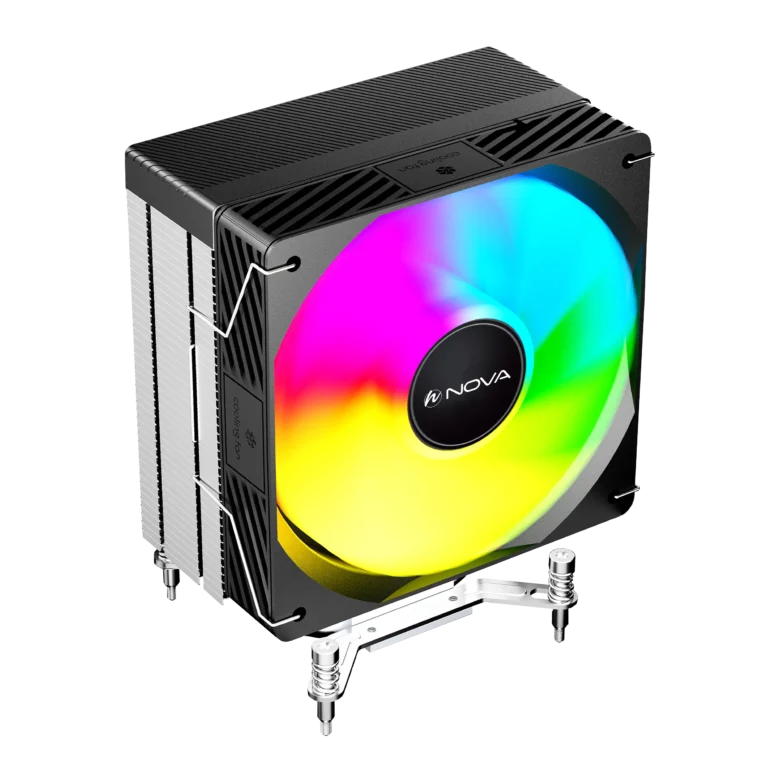
خنک کننده بادی رایجترین نوع خنک کننده است که از یک هیتسینک و فن برای انتقال حرارت استفاده میکند. در این مدل، گرمای تولید شده توسط پردازنده از طریق لولههای انتقال حرارت (هیت پایپ) به هیتسینک منتقل شده و سپس فن، گرما را از سطح آن خارج میکند.
این نوع خنک کننده به دلیل قیمت مناسب، نصب آسان و دوام بالا، یکی از محبوبترین گزینهها برای کاربران خانگی و حتی بسیاری از گیمرها محسوب میشود. مدلهای حرفهای کولر بادی توانایی خنک کردن پردازندههای قدرتمند را نیز دارند و برای سیستمهای نیمه حرفهای انتخاب مناسبی هستند.
از مهمترین مزایای این نوع کولینگ میتوان به مصرف پایین، نگهداری آسان و طول عمر بالا اشاره کرد. همچنین بسیاری از مدلهای جدید نویز کمی تولید میکنند و برای استفاده طولانی مدت عملکرد پایداری دارند.
خنک کننده مایع (Liquid Coolers)
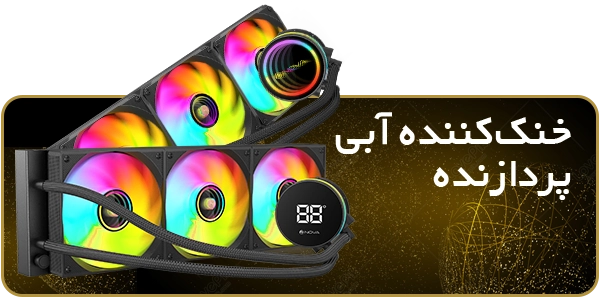
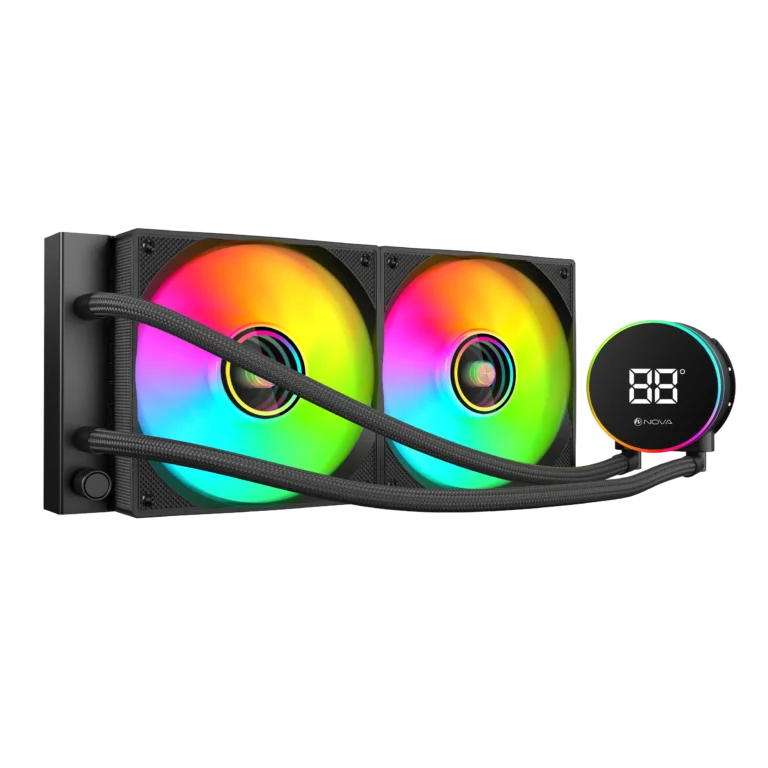
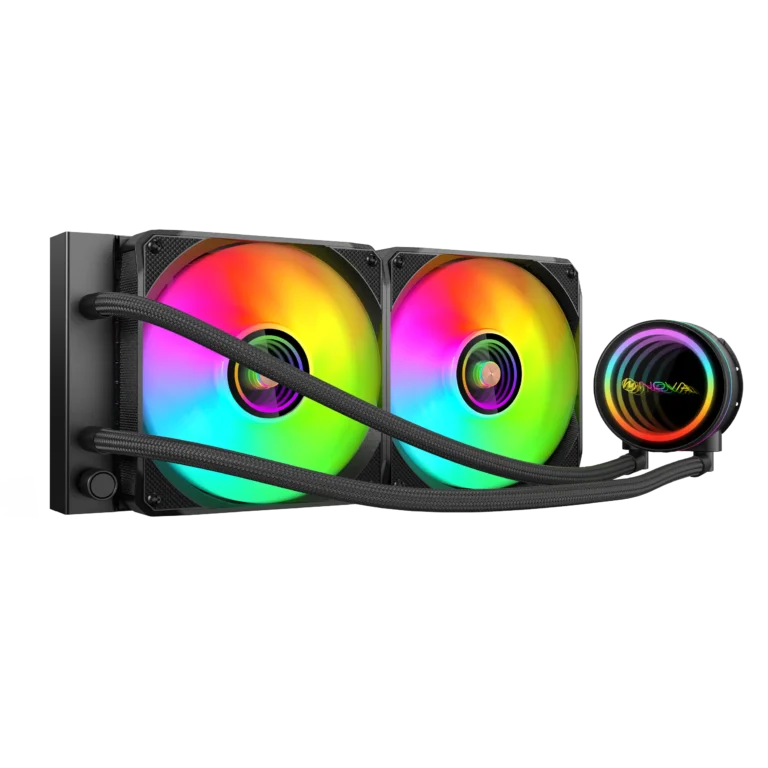
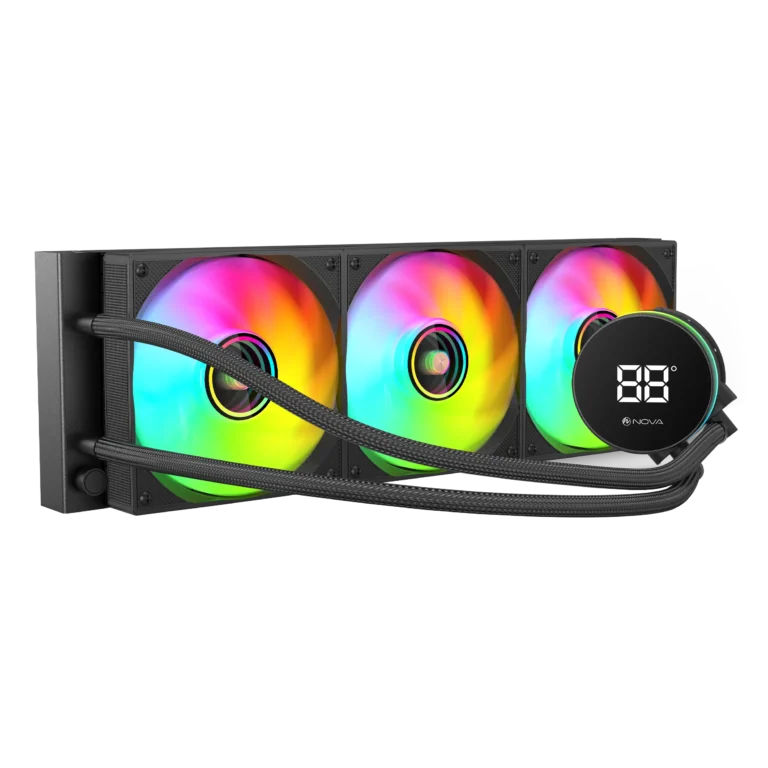
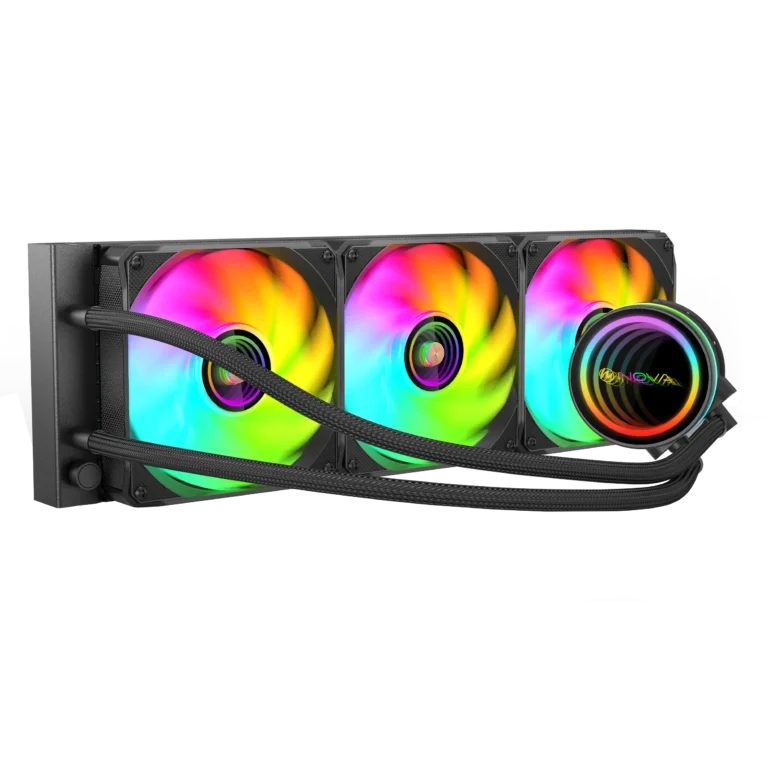
واترکولینگ یا خنک کننده مایع نسل پیشرفتهتری از سیستمهای خنک کننده محسوب میشود. در این روش، مایع خنک کننده گرمای CPU را جذب کرده و از طریق لولهها به رادیاتور منتقل میکند تا حرارت توسط فنها دفع شود.
این نوع خنک کننده معمولاً برای سیستمهای حرفهای، گیمینگ سنگین و اورکلاک استفاده میشود. در مقایسه با کولرهای بادی، توانایی بیشتری در کاهش دما دارد و در عین حال ظاهر جذابتری به داخل کیس میدهد.
در سیستمهای خنک کننده مایع، قطعاتی مانند واتربلاک، پمپ و رادیاتور به صورت هماهنگ کار میکنند تا جریان خنک کننده به طور مداوم در مدار حرکت کند. این ساختار باعث میشود دمای پردازنده حتی در فشار کاری بالا نیز کنترل شود.
واتر کولینگ AIO (All-in-One)
خنک کننده مایع AIO یکی از محبوبترین انواع واترکولینگ است. در این مدل، تمامی قطعات به صورت یکپارچه طراحی شدهاند و نیازی به مونتاژ جداگانه نیست. نصب آسان، عملکرد مناسب و ظاهر حرفهای باعث شده این مدل انتخاب محبوب بسیاری از کاربران باشد.
این کولرها در ابعاد مختلف مانند 120، 240 و 360 میلیمتری عرضه میشوند و بسته به فضای کیس میتوان گزینه مناسب را انتخاب کرد. اگر به دنبال یک راهکار ساده و قدرتمند برای خنک سازی سیستم هستید، این مدل میتواند انتخاب خوبی باشد.
واتر کولینگ Custom Loop
واتر کولینگ Custom Loop حرفهایترین نوع خنک کننده مایع است که امکان شخصیسازی کامل را در اختیار کاربر قرار میدهد. در این سیستم میتوان نوع واتربلاک، رادیاتور، پمپ و حتی مسیر لولهها را به دلخواه انتخاب کرد.
این نوع کولینگ بیشتر در سیستمهای حرفهای و ورکاستیشنها استفاده میشود و عملکرد بسیار بالایی در کاهش دما دارد. البته نصب و نگهداری آن نسبت به مدلهای AIO پیچیدهتر است و به دانش فنی بیشتری نیاز دارد.
مقایسه خنک کننده بادی و خنک کننده مایع
انتخاب بین این دو مدل به نوع استفاده شما بستگی دارد. اگر به دنبال گزینهای اقتصادی، ساده و قابل اعتماد هستید، خنک کننده بادی انتخاب مناسبی است و برای استفاده روزمره و گیمینگ معمولی عملکرد خوبی دارد.
در مقابل، خنک کننده مایع (واتر کولینگ) برای سیستمهای قدرتمند و کاربرانی که قصد اورکلاک دارند مناسبتر است. این مدلها معمولاً دمای پایینتری ایجاد میکنند و در پردازشهای سنگین پایداری بیشتری دارند.
از نظر قیمت نیز کولرهای بادی مقرونبهصرفهتر هستند، در حالی که واترکولینگ هزینه بیشتری دارد اما در عوض عملکرد و ظاهر حرفهایتری ارائه میدهد.
نکات مهم هنگام خرید خنک کننده پردازنده
برای انتخاب بهترین خنک کننده CPU باید به چند نکته مهم توجه کنید. اولین مورد، سازگاری خنک کننده با سوکت پردازنده است. برخی کولرها تنها با پردازندههای Intel یا AMD سازگار هستند، بنابراین قبل از خرید حتماً مشخصات محصول را بررسی کنید.
ابعاد کیس نیز اهمیت زیادی دارد. بعضی از کولرهای پردازنده بادی ارتفاع زیادی دارند و ممکن است داخل کیسهای کوچک نصب نشوند. همچنین در واتر کولینگ باید فضای مناسب برای نصب رادیاتور وجود داشته باشد.
میزان نویز فن CPU، کیفیت هیتسینک پردازنده، سرعت گردش فن و نوع لولههای خنک کننده نیز از دیگر عواملی هستند که روی عملکرد خنک کننده تأثیر میگذارند. اگر از سیستم گیمینگ یا رندرینگ استفاده میکنید، انتخاب یک خنک کننده پردازنده قوی اهمیت بیشتری خواهد داشت.
تاثیر خنک کننده مناسب بر عملکرد سیستم
دمای مناسب CPU باعث افزایش طول عمر قطعات و جلوگیری از افت عملکرد میشود. زمانی که پردازنده بیش از حد داغ شود، سیستم به صورت خودکار فرکانس کاری را کاهش میدهد تا از آسیب جلوگیری کند؛ این موضوع مستقیماً روی سرعت اجرای برنامهها و بازیها تأثیر میگذارد.
استفاده از یک سیستم خنک کاری مناسب باعث میشود پردازنده در شرایط استاندارد کار کند و حداکثر توان خود را ارائه دهد. همچنین ایجاد جریان هوای مناسب در داخل کیس، در کنار فن کارت گرافیک و پاور، نقش مهمی در عملکرد کلی سیستم دارد.
خنک کننده نوا با گارانتی کی سان سرویس
محصولات خنک کننده برند نوا شامل انواع خنک کننده بادی پردازنده، خنک کننده آبی پردازنده و فن کیس با کیفیت ساخت بالا طراحی شدهاند تا عملکردی پایدار و خنک کنندگی قدرتمند را برای سیستمهای مختلف فراهم کنند. این محصولات با بهرهگیری از طراحی مدرن، هیتسینکهای باکیفیت و فنهای قدرتمند، انتخابی مناسب برای کاربران حرفهای و گیمرها هستند.
اگر به دنبال خرید یک خنک کننده مناسب با قیمت منطقی هستید، محصولات نوا میتوانند گزینه قابل اعتمادی برای سیستمهای خانگی، اداری و گیمینگ باشند. تمامی این محصولات با گارانتی معتبر کی سان سرویس عرضه میشوند تا کاربران با اطمینان بیشتری خرید خود را انجام دهند.
با انتخاب یک خنک کننده مناسب، میتوانید عملکرد سیستم را بهبود دهید، دمای پردازنده را کنترل کنید و تجربهای پایدار از کار با کامپیوتر داشته باشید.