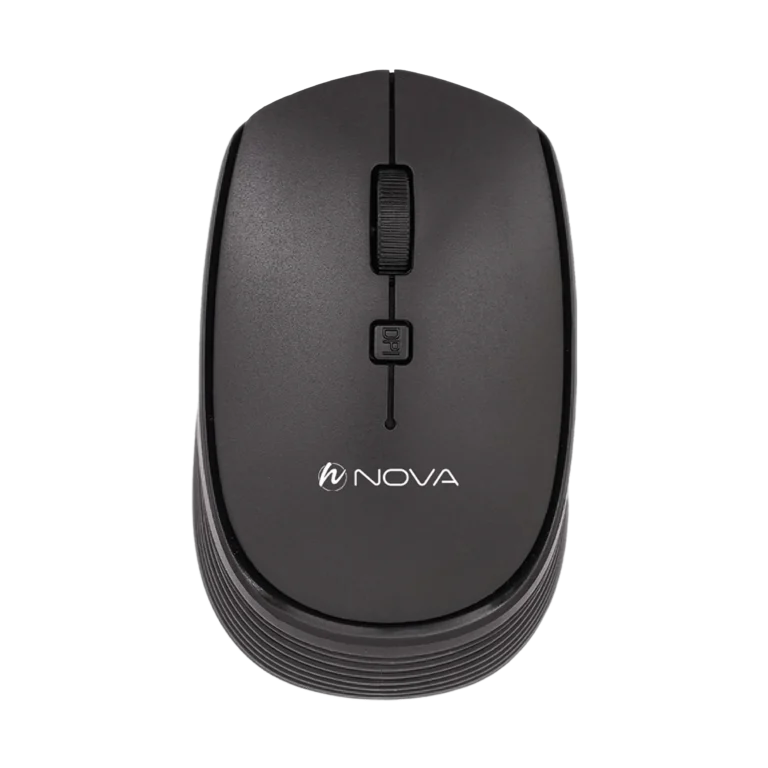
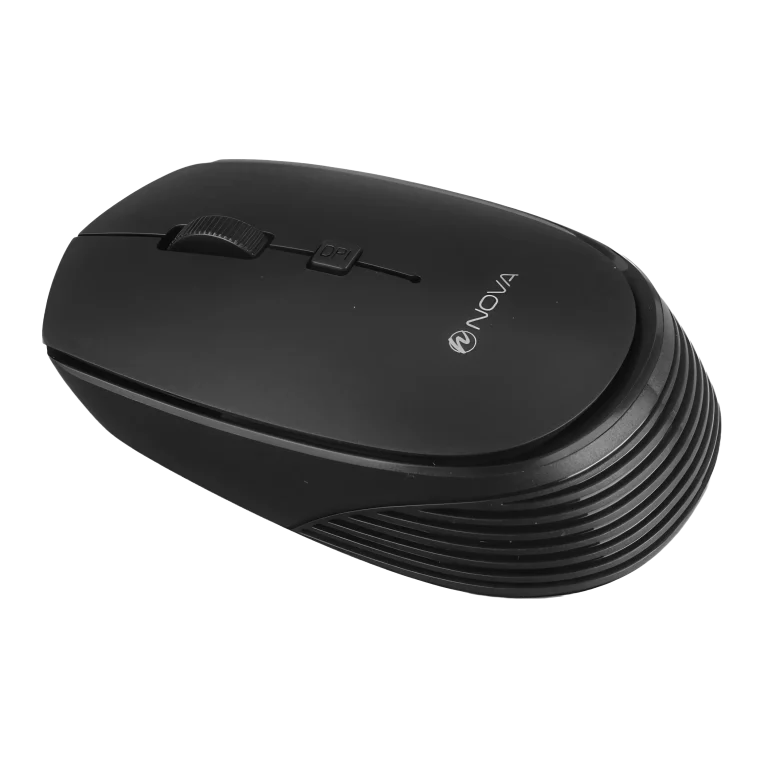
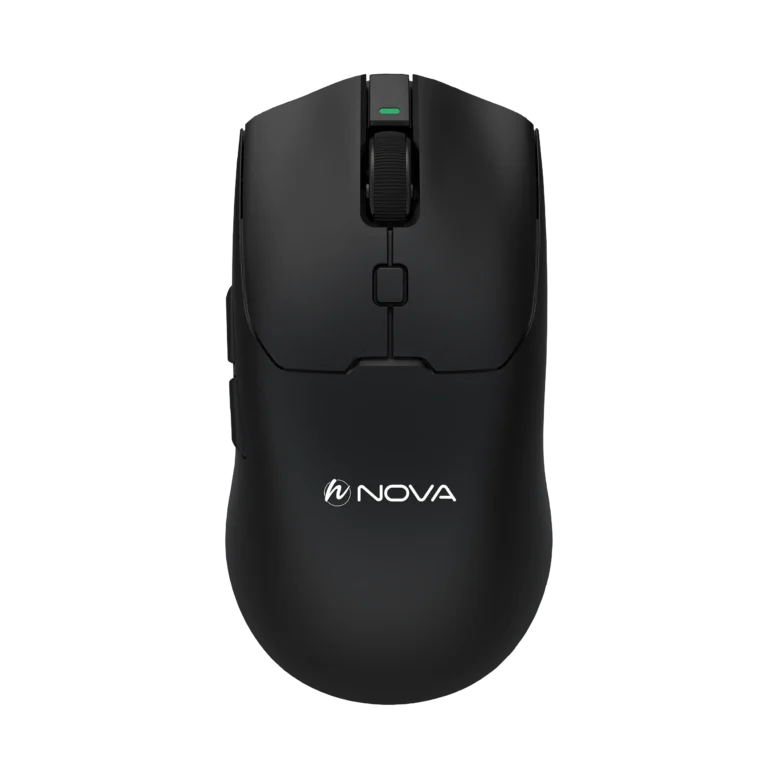
Mouse
A computer mouse is one of the primary tools for work and gaming, having a direct impact on user accuracy, speed, and comfort. Choosing the right mouse, whether for everyday and office use or gaming, can significantly improve the overall user experience. If you are looking for precise performance, professional design, and high durability, explore the available options and choose the mouse that best suits your needs with confidence.
All NOVA products are manufactured in Iran and come with K-Sun Service’s immediate replacement warranty, giving users confidence in the quality and after-sales support of their products.
Types of Computer Mice
A computer mouse is one of the most important input devices in a computer system and plays a direct role in cursor control, work accuracy, and the speed of performing various tasks. The type of mouse should be selected based on the intended use, duration of use, required level of precision, and working conditions.
Computer mice are available in various models, including office, gaming, wired, wireless, and ergonomic mice, each designed to meet different requirements.
If you are looking for a range of input devices including mice, keyboards, and combo sets, you can visit the main Mouse and Keyboard page.
Types of Computer Mice Based on Application
Office Mouse
An office mouse is designed for everyday tasks such as using office software, web browsing, file management, and general computer activities.
Simplicity, appropriate weight, smooth operation, and a comfortable design are among the important features of office mice. These models are generally designed without complex features, focusing on everyday use.
Gaming Mouse
A gaming mouse is designed for users who require greater precision, faster response, and enhanced control.
Common features of these models include a precise sensor, adjustable DPI, programmable buttons, an appropriate polling rate, and RGB lighting.
The number and placement of buttons are also important in gaming mice, as they can provide faster access to different commands.
Wired Mouse
A wired mouse connects to a system via a USB cable. Due to its direct connection, stable performance, and lack of battery requirements, it remains a common option for desktop computers.
These models are suitable for office environments, fixed systems, and many gaming applications.
Wireless Mouse
A wireless mouse connects to a system without using a cable and typically uses a USB dongle or Bluetooth.
Freedom of movement, fewer cables on the desk, and compatibility with laptops are among the main advantages of these models.
When choosing a wireless mouse, it is important to consider connection quality, power consumption, and the type of battery or charging system.
Bluetooth Mouse
A Bluetooth mouse communicates with compatible devices through Bluetooth and, in many models, does not require a USB dongle.
This feature is particularly useful for laptops and devices with a limited number of USB ports.
Ergonomic Mouse and Vertical Mouse
An ergonomic mouse is designed to provide a more comfortable hand position and reduce the pressure associated with extended use. The body shape, finger placement, and hand angle are important considerations in the design of these models.
A vertical mouse is also a type of ergonomic design that positions the hand at a different angle compared with standard mice.
For users who spend many hours working with a computer, an appropriately designed mouse can play an important role in providing a comfortable user experience.
Important Points When Choosing a Computer Mouse
Accuracy and DPI
DPI, or Dots Per Inch, indicates the sensitivity of cursor movement in response to mouse movement. Mice with adjustable DPI allow users to change the cursor speed according to their type of use.
A higher DPI does not necessarily mean that a mouse is more suitable, and the appropriate setting should be selected based on the intended application.
Sensor Type
The sensor is one of the main components of a mouse, and its quality affects movement tracking accuracy. Sensor quality becomes particularly important in gaming and professional mice.
Number of Buttons
For general use, a standard mouse with a typical number of buttons is usually sufficient. In contrast, gaming and professional mice may have additional buttons to provide faster access to different commands.
Design and Ergonomics
The mouse shape should be compatible with the user's hand size and grip style. Ergonomic design becomes more important during extended periods of use.
Comparison of Computer Mouse Types
| Mouse Type | Suitable For | Advantages | Considerations |
|---|---|---|---|
| Office | Everyday tasks | Simple, lightweight, practical | Fewer features |
| Gaming | Gaming and precision tasks | Precise sensor, adjustable DPI, more features | More features and specialized design |
| Wired | Fixed systems and gaming | Stable connection, no battery required | Cable |
| Wireless | Laptops and general use | Freedom of movement, no cable | Requires battery or charging |
| Ergonomic | Extended use | Hand-oriented design | Requires adjustment to the shape |
How to Choose the Right Mouse?
To choose the right mouse, first determine your intended use. An office mouse does not require the features of a gaming mouse for everyday tasks, while a gaming mouse may provide more features than necessary for simple office use.
Important factors to consider include:
Intended use
Wired or wireless connection
Sensor accuracy and quality
DPI range
Number of buttons
Body shape and design
Mouse weight
Ergonomics
Connection type
If you are looking for a complete mouse and keyboard set, you can also explore Mouse and Keyboard Combos models.
NOVA Mice with K-Sun Service Immediate Replacement Warranty
NOVA offers mice designed for various applications in the field of computer peripherals. Practical design, suitable performance, and attention to the needs of Iranian users are among the characteristics of the brand's products.
Different mouse models can be used for office, home, and gaming applications, and the choice between them should be based on the intended use and system requirements.
All NOVA mice are provided with K-Sun Service’s immediate replacement warranty, allowing users to benefit from defined after-sales services and a replacement process in the event of a product issue.